
Learning on the Go: Turning Theme Park Thrills into Real-World STEM with Two Free Apps
If you’re a parent or educator looking to sneak a little STEM learning into your family’s next adventure (without anyone noticing it’s educational), you’re in the right place. With two totally free, kid-friendly apps—Decibel X and Phyphox—you can transform noisy coasters, splashing slides, and even stroller-pushing walks into fascinating hands-on experiments in physics and sound.

We just returned from an epic family adventure through all four parks at Universal Orlando—wand-waving in Hogwarts, flying with dragons at Epic Universe, splashing through Volcano Bay, and hanging on tight through superhero-sized coasters. But here’s our favorite secret from the trip: while our kids thought we were just having fun, my husband and I were quietly sneaking in some no-prep, hands-on STEM learning every single day. From calculating G-forces on The Incredible Hulk Coaster to measuring the sound waves of roaring waterfalls with nothing more than a smartphone, we turned thrill rides into teachable moments—no worksheets required. In this post, I’ll show you the two free apps that made it all possible and how easy it is to weave science into your next family vacation. Whether you’re a parent, a teacher, or both, you’ll want to keep reading!
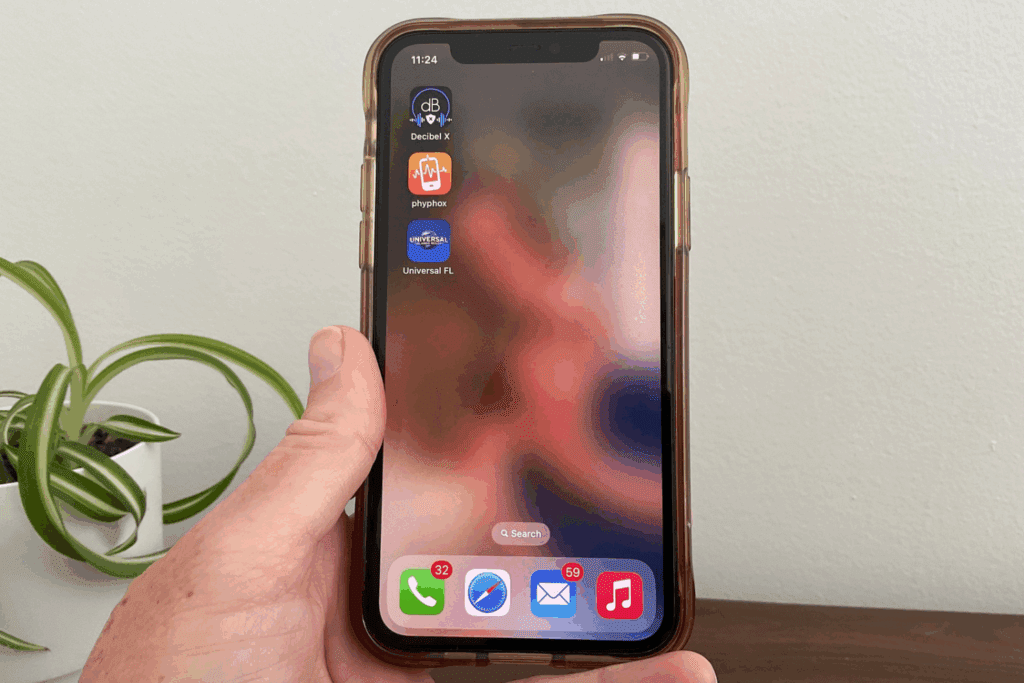
How to Use Decibel X
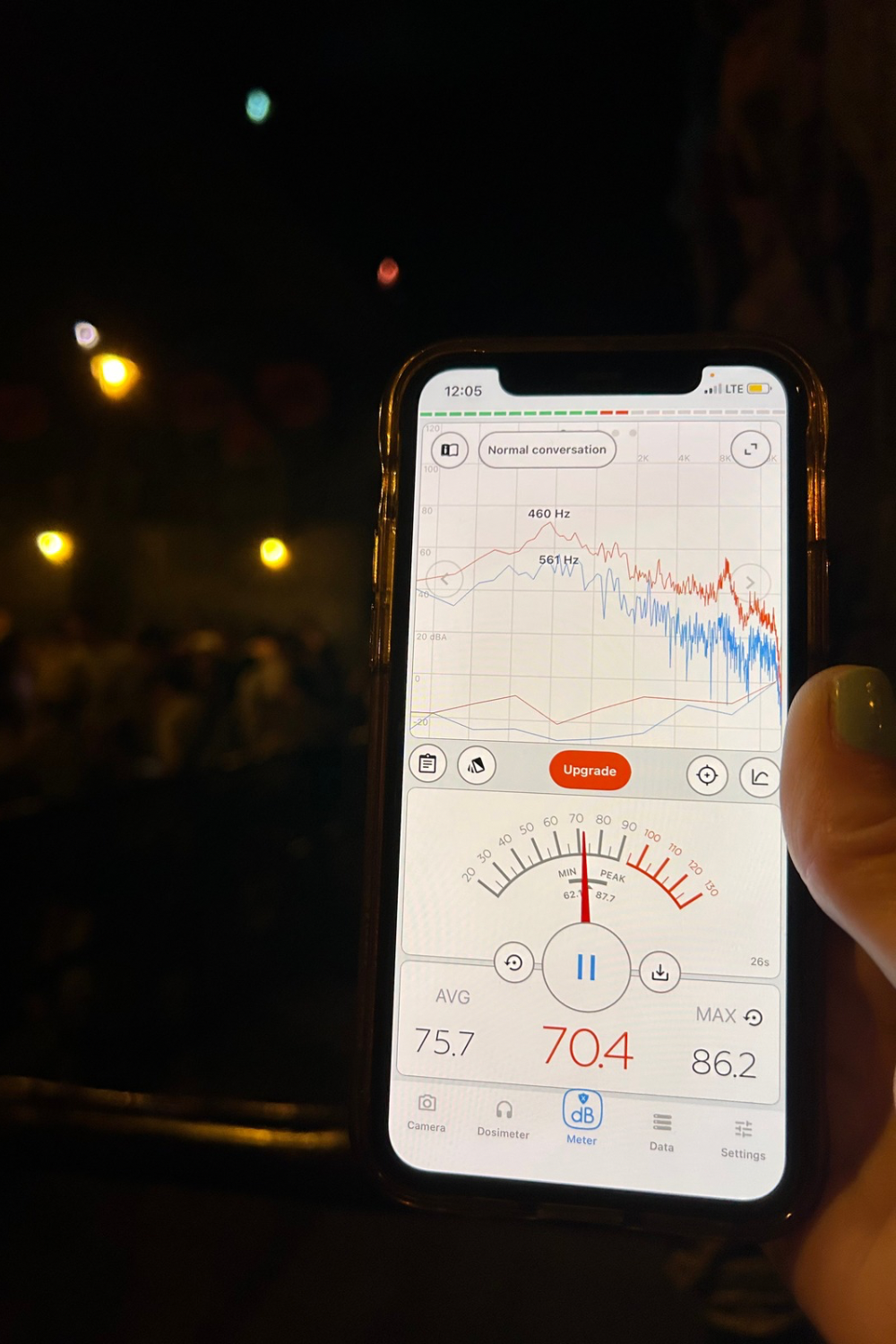
Decibel X is a free app that measures how loud something is in decibels (dB). The app is perfect for exploring sound energy—like testing how far away you can hear a roller coaster roar.
Why Use Decibel X?
Sound is energy that moves in waves. Measuring it helps kids learn how distance and barriers affect what we hear. Plus, it makes a noisy coaster line a mini science lab.
Decibel X Step-by-Step Instructions
- Download the app: Search “Decibel X” in your phone’s App Store (iOS/Android). Install the free version (you don’t need Pro for this activity).
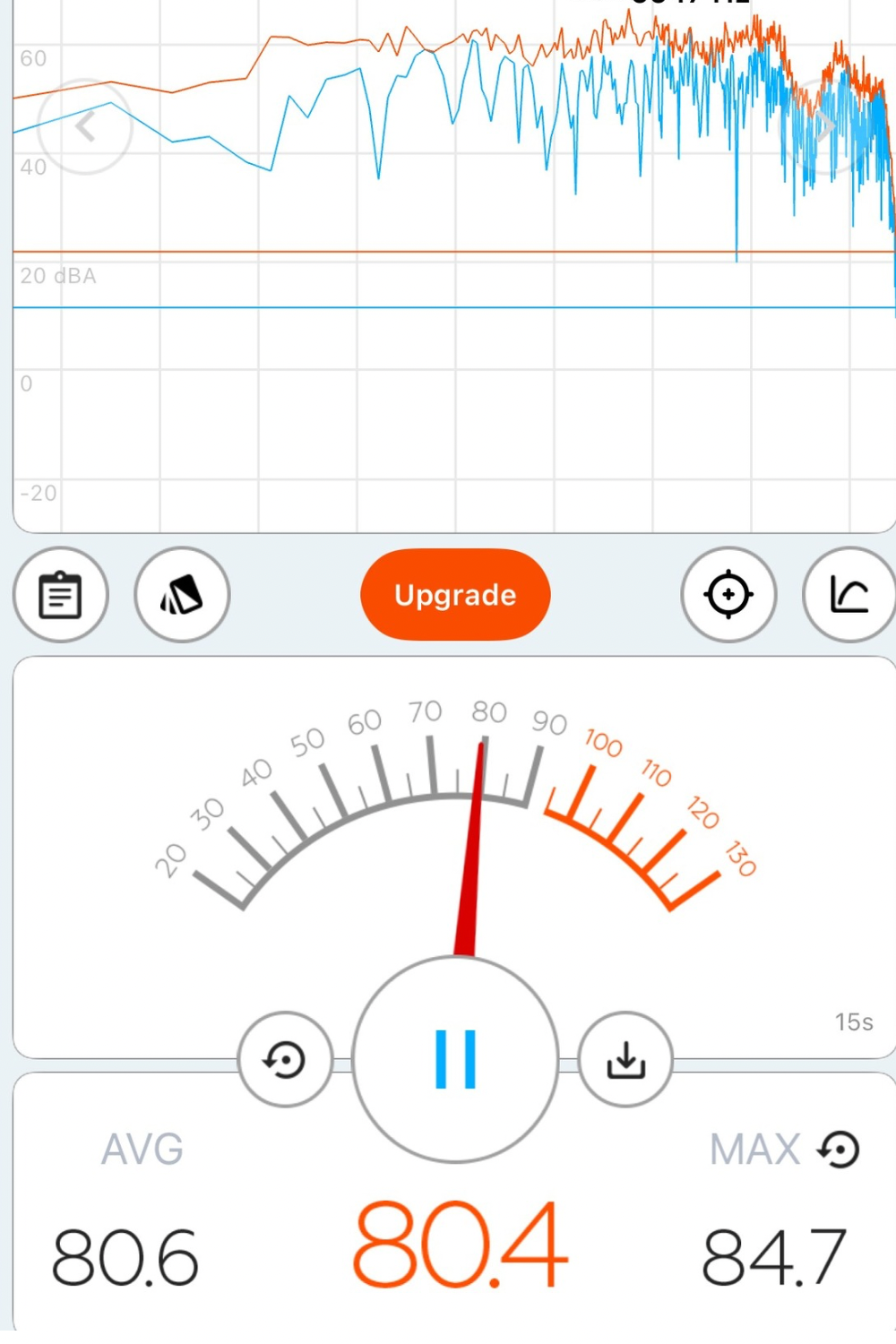
- Open the App: You’ll see a big dial or number that says something like “40 dB” (normal conversation).
- Hold Your Phone Still: Stand near the sound you want to measure (like The Hulk Coaster at Universal Orlando). Hold your phone upright at chest level, about arm’s length away from your face.
- Watch the Numbers Move: When the coaster roars past, the decibel reading will jump higher (maybe 85–95 dB). When it’s far away, the number will drop (maybe 70 dB).
- Record Your Findings: Write down or say into a voice memo:Distance from coaster: e.g., 50 feet, 100 feet. Sound level: e.g., 92 dB near, 74 dB far. Compare how sound fades with distance or barriers (like buildings).

Example Activity Using Decibel X
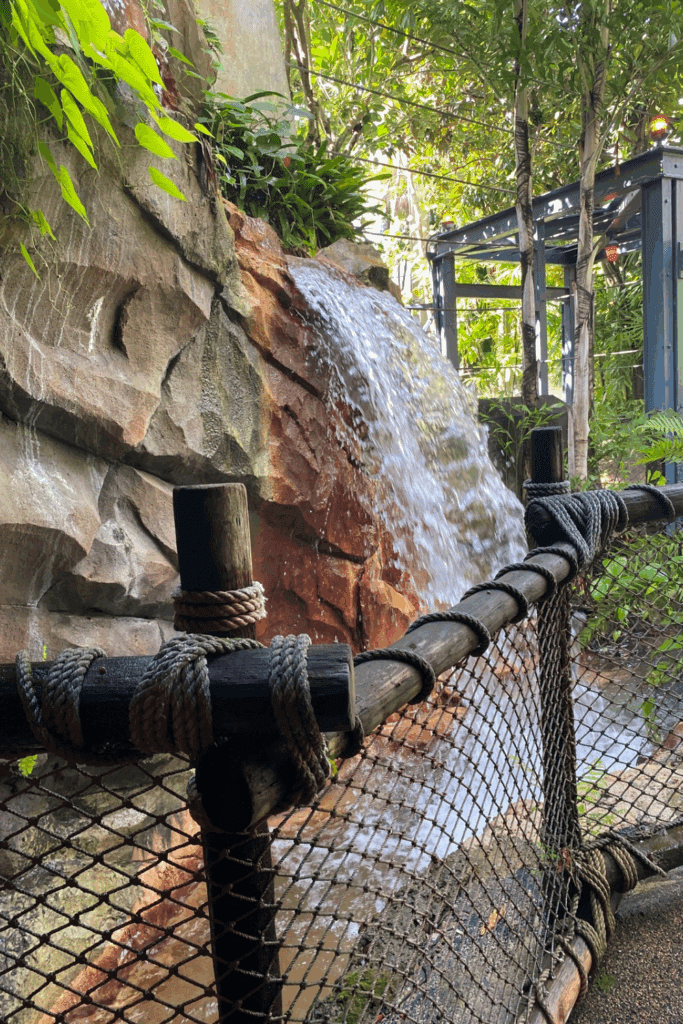
Here is a no prep, 5 minute activity that my kids and I did on a recent trip to Universal Studios and Volcano Bay in Orlando, Florida.
- Stand about 50 ft from a rollercoaster during the climb or a waterfall in a water park.
- Record the loudest reading (example: 92 dB).
- Move another 50 ft back, measure again (e.g., 74 dB).
- Ask your kids: Why do we hear it less from farther away? (Hint: sound waves spread out and lose energy.)
Real world STEM learning is THAT simple!

How to Use Phyphox
Phyphox is a free app that measures motion and forces using your phone’s built-in sensors (accelerometer). The app is great for figuring out G-forces on roller coasters. My family had a blast playing around with this app while hopping on various coasters at Universal Studios, Epic Universe, and Islands of Adventure.
Why Use Phyphox?
G-force tells you how much acceleration you feel on a ride. On Earth, 1G = your normal body weight. More G’s = feeling heavier, less G’s (or negative) = feeling lighter or “floaty.”
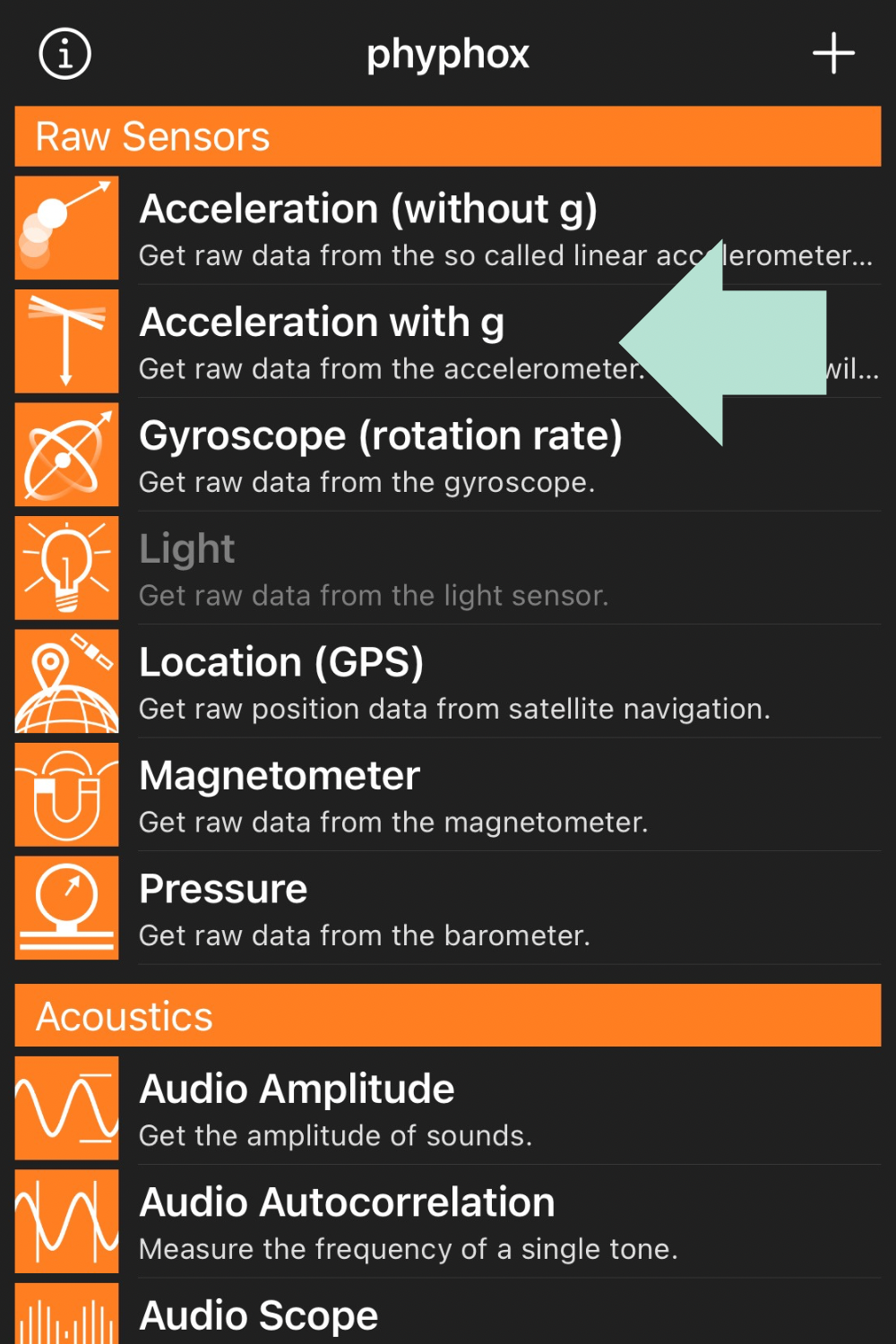
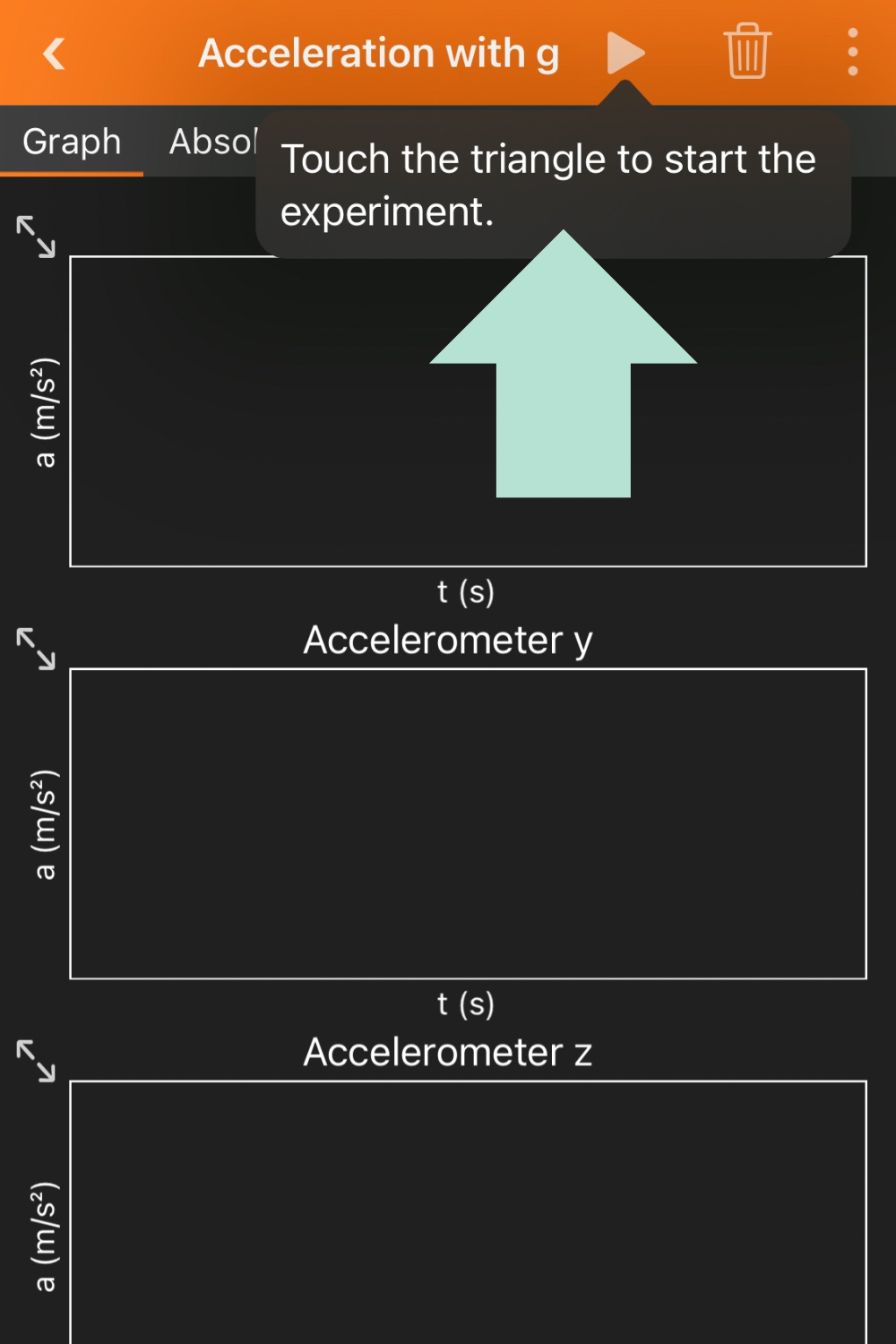
Phyphox Step-by-Step Instructions
- Download the App: Search “Phyphox” (free app for iOS/Android).
- Open the App: Tap the menu called “Acceleration (G)” or “Accelerometer”. You’ll see three numbers (X, Y, Z) or a graph showing motion.
- Secure Your Phone: Put your phone safely in a zipped pocket, armband, or a fanny pack. (It must not fly out on the ride!) Make sure it’s tight against your body to record the same forces you feel.
- Press “Record” Before the Ride Starts: Tap the record button (triangle or play symbol) before the train moves. Keep the app running during the whole ride.
- Stop Recording After the Ride: Tap the stop button when you’re safely stopped and can access your phone.
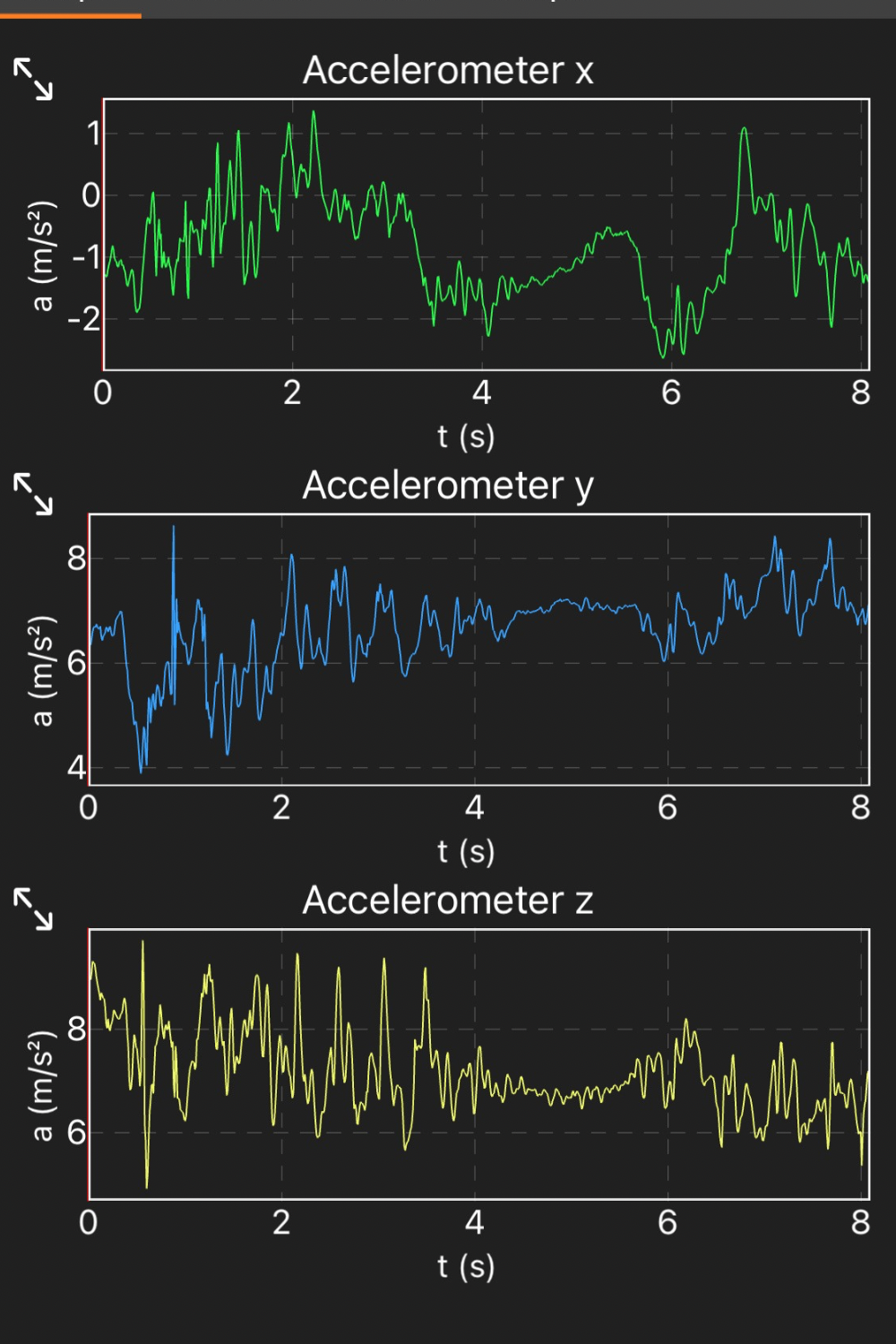
- Read the Results: The graph will show peaks (high G’s) and valleys (low or negative G’s).You might see 1G on the lift hill (normal gravity), 3–4G on tight loops (feeling heavy), or 0G or negative G during drops (feeling weightless).
I took screen shots of our results and saved them to my phone so that we could compare our data after our day at the park. This made for some STEM-focused chats at dinner time!
Example Activity Using Phyphox
Prior to boarding your next rollercoaster, try this simple activity to add some learning to your ride!
- Before boarding a rollercoaster, open Phyphox > Acceleration (G).
- Secure your phone, press record.
- During the launch, you might see 3–4G spikes (rapid acceleration).
- On loops, you might stay around 2–3G, while drops may dip near 0G.
- After the ride, check out the data that was collected. Ask: How many G’s did we feel? Did it match what the ride stats said?
Remember – do NOT check the app until after the ride has come to a complete stop. Do not lose your phone for the sake of scientific learning!
Quick Safety & Parent Tips for Using Decibel X and Phyphox
I’d be remiss if I didn’t mention some simple safety tips to follow when using your cellular device during your next adventure:
- Hands-free only: Never hold your phone loose on a ride.
- Battery check: Both apps drain battery faster when recording—start the day at 100%.
- Screenshots: Take a screenshot of your final readings to share or save for later.
- Keep it fun: If kids get stressed by numbers, make it a game: “Let’s guess the reading before we measure!”
Real World STEM Applications at Your Fingertips
By integrating free educational apps like Decibel X and Phyphox into family vacations and everyday adventures, parents and educators can effortlessly bring STEM concepts to life in real-world settings. Whether you’re measuring sound levels next to a roller coaster or tracking G-forces on a thrill ride, these hands-on experiences go far beyond textbook definitions—helping learners connect abstract science to what they feel, see, and hear. This kind of experiential learning not only deepens understanding, but also boosts critical thinking, curiosity, and memory retention. Best of all, it makes learning feel like an adventure, not an assignment. With nothing more than a smartphone, families can turn every outing into a fun and meaningful STEM journey.

3 Comments
Comments are closed.